
The Most Free AI Features in One Place! Try More Than 20 AI Plugins and Custom AI with MixerBox AI
February 29, 2024
Take a look at your phone: how many AI apps have you downloaded? According to a Pew Research Center survey, more than half of American adults say they use AI frequently, interacting with artificial intelligence once or several times every week. Are you a heavy AI user like that, too?
If you love AI but don’t want to juggle countless apps, the MixerBox team has built MixerBox AI (Android | iOS | Web), which brings together more of today’s popular free AI apps than anything else! (MixerBox AI 2024: Free Download of the Latest Version and a Quick-Start Guide)
Free AI Search, Writing, Translation and Image Generation: MixerBox AI Gives You More Than 20 Plugins
As AI gets more and more useful, do you find yourself relying on it more and more? And have you noticed your phone quietly filling up with apps? Many generative AI platforms today offer only a single feature, which means you have to download several different apps. That’s a real hassle.
MixerBox AI packs more than 20 plugins into one app, including Google search, AI image generation, PDF analysis, live news, weather, maps and translation. Instead of downloading a bunch of different apps, MixerBox AI alone can cover all kinds of needs. Not only does it save you time and dramatically speed up your workflow, it also takes up less space on your phone.
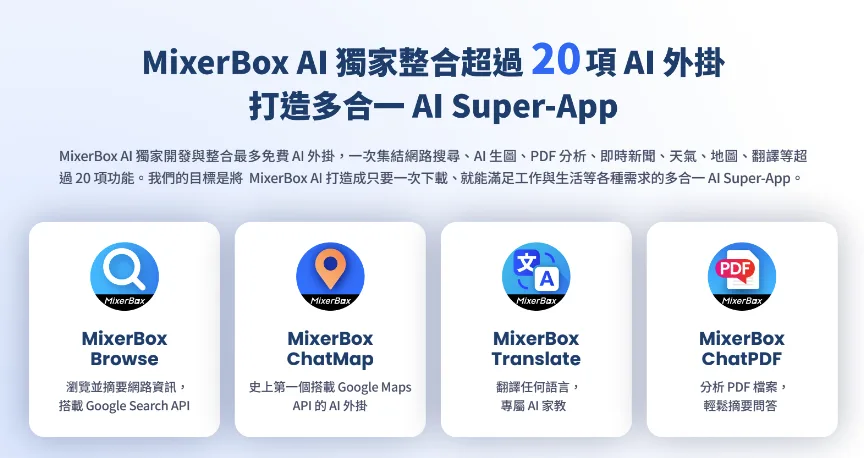
What Is MixerBox AI?
MixerBox has always been dedicated to building more convenient, easier-to-use Super-Apps, so that more people can enjoy the world’s most advanced technology in the simplest way possible, right alongside everyone else around the globe. MixerBox AI is exactly that kind of product. In one app, it integrates two AI models, GPT-3.5 and GPT-4, and its app version exclusively offers 6 plugins that let you use ChatGPT to browse the web, generate AI images and read live news. It also has exclusive features such as Siri voice assistant integration and a fully Traditional Chinese interface.
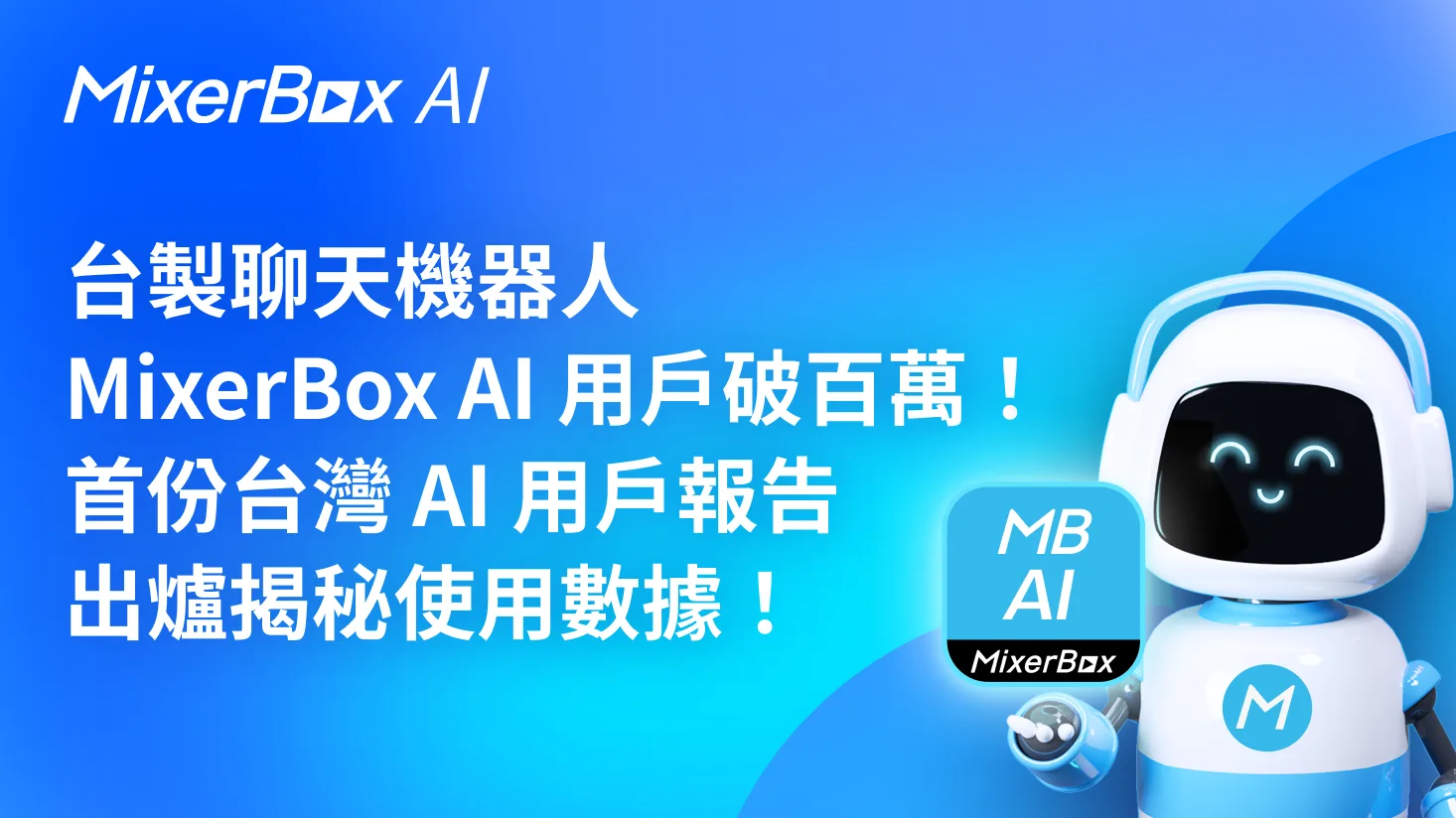
MixerBox AI Passes One Million Users!
MixerBox AI is a generative AI product built by MixerBox, an AI Super-Apps platform headquartered in Silicon Valley with its R&D team in Taiwan. It offers a range of free AI features, and in the year since launch, its user base worldwide has passed one million! MixerBox AI runs on two of ChatGPT’s AI models, GPT-3.5 and GPT-4, and the development team keeps evolving it and rolling out more new features.
MixerBox has also released its first data analysis of users in Taiwan. It shows that users love productivity-related uses most, while younger users and very high earners are more open to treating AI as a partner for emotional interaction.
The Best Free AI Plugins in MixerBox AI, Hand-Picked by the Development Team
Here are some of the most powerful MixerBox AI plugins, hand-picked by the development team:
🔍 Google Search
MixerBox AI pairs up with a smarter search engine by integrating the Google Search API. With a single action, you get both Google search results and an automatic AI summary, so you don’t have to keep switching between Google search and a chatbot in different tabs to look things up over and over.
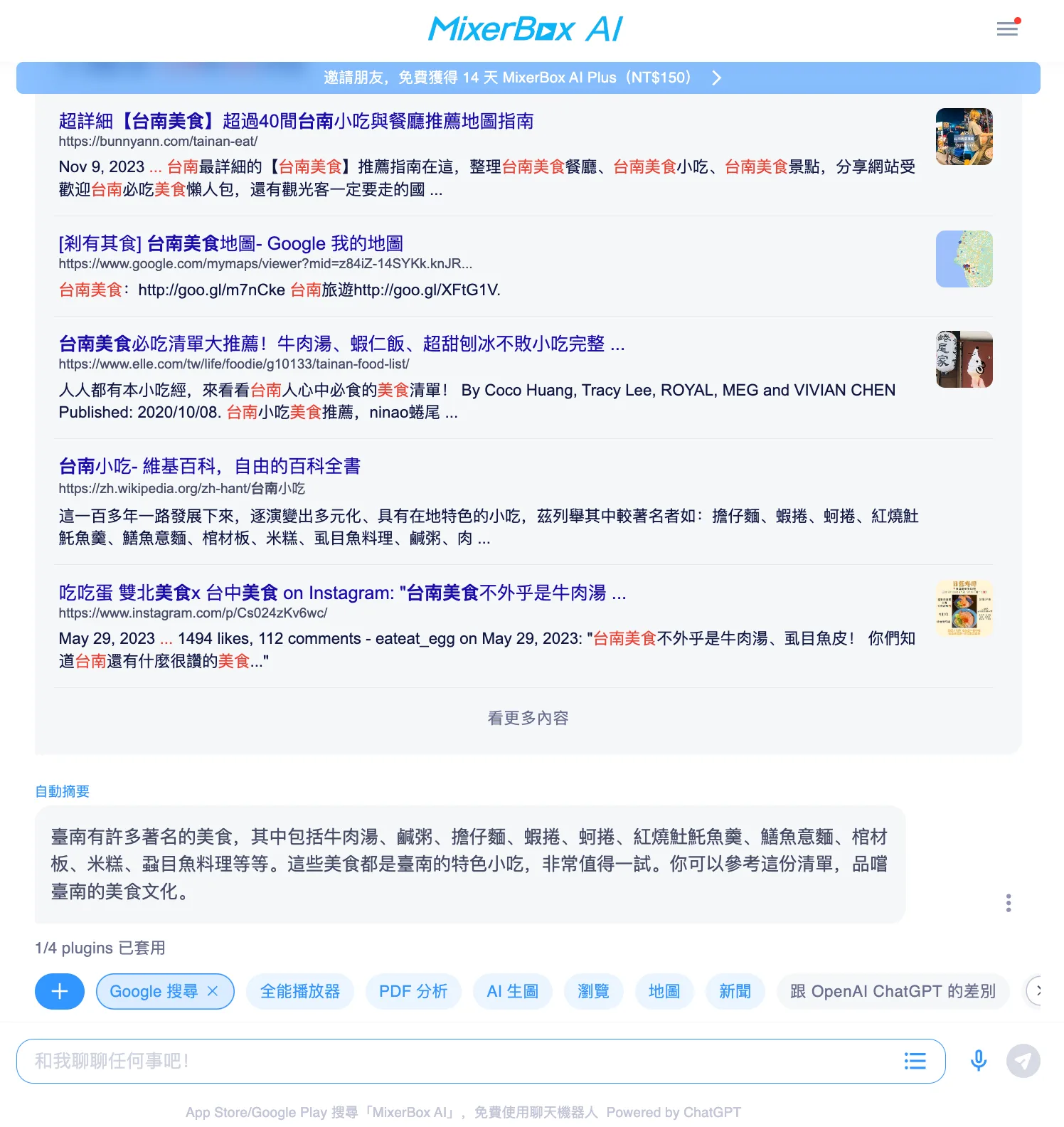
Choose the Google search plugin in MixerBox AI and type “Tainan food,” and you’ll get both Google search results and an automatic AI summary.
🌎 Translation
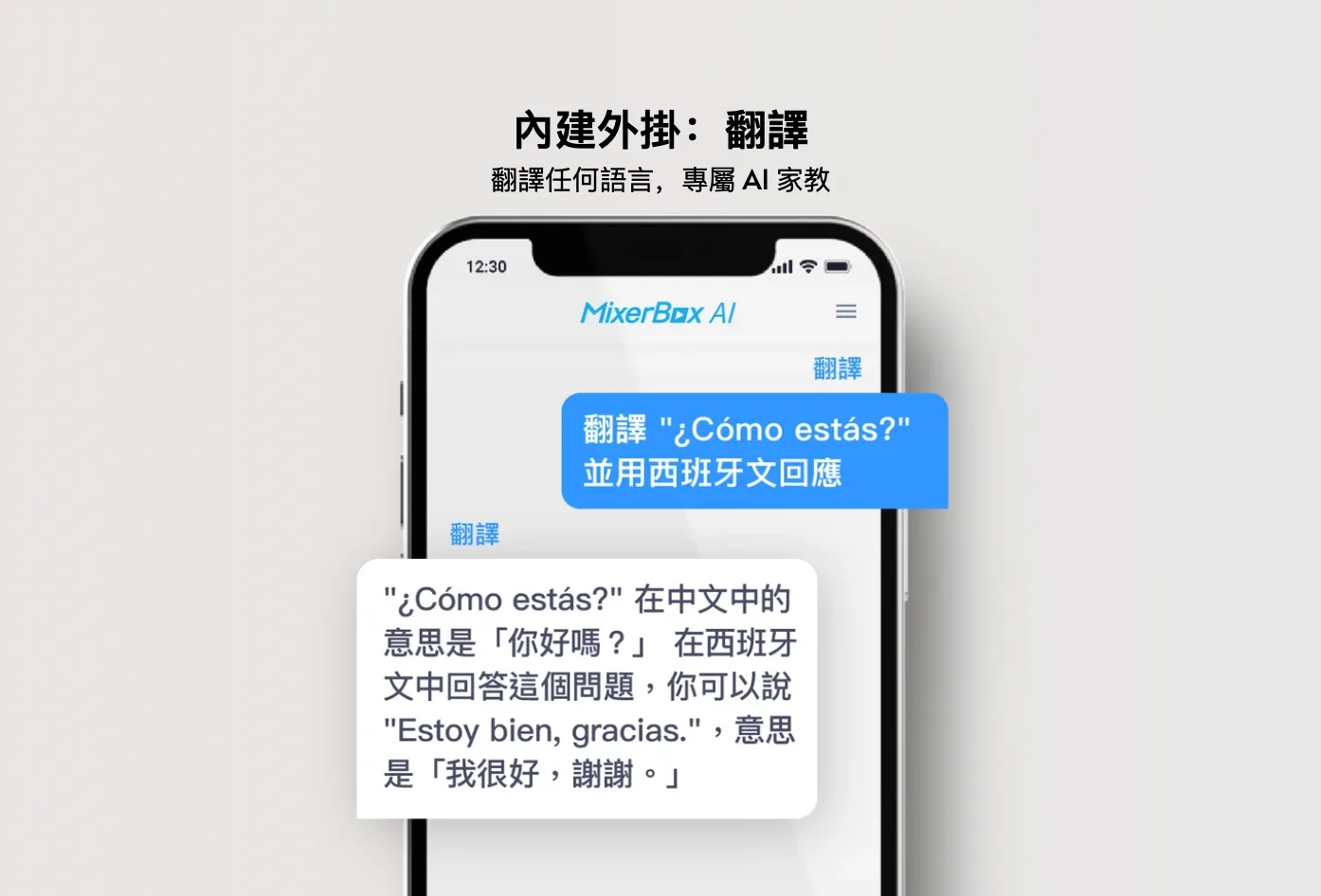
MixerBox’s “Translation” plugin isn’t just a simple translation tool; it’s also a foreign-language learning tool. It supports translation between many languages, as well as language learning. Beyond helping you understand what words mean and how to use them, the plugin also offers sample conversations for specific situations, so you’re better prepared for real-life language interactions.
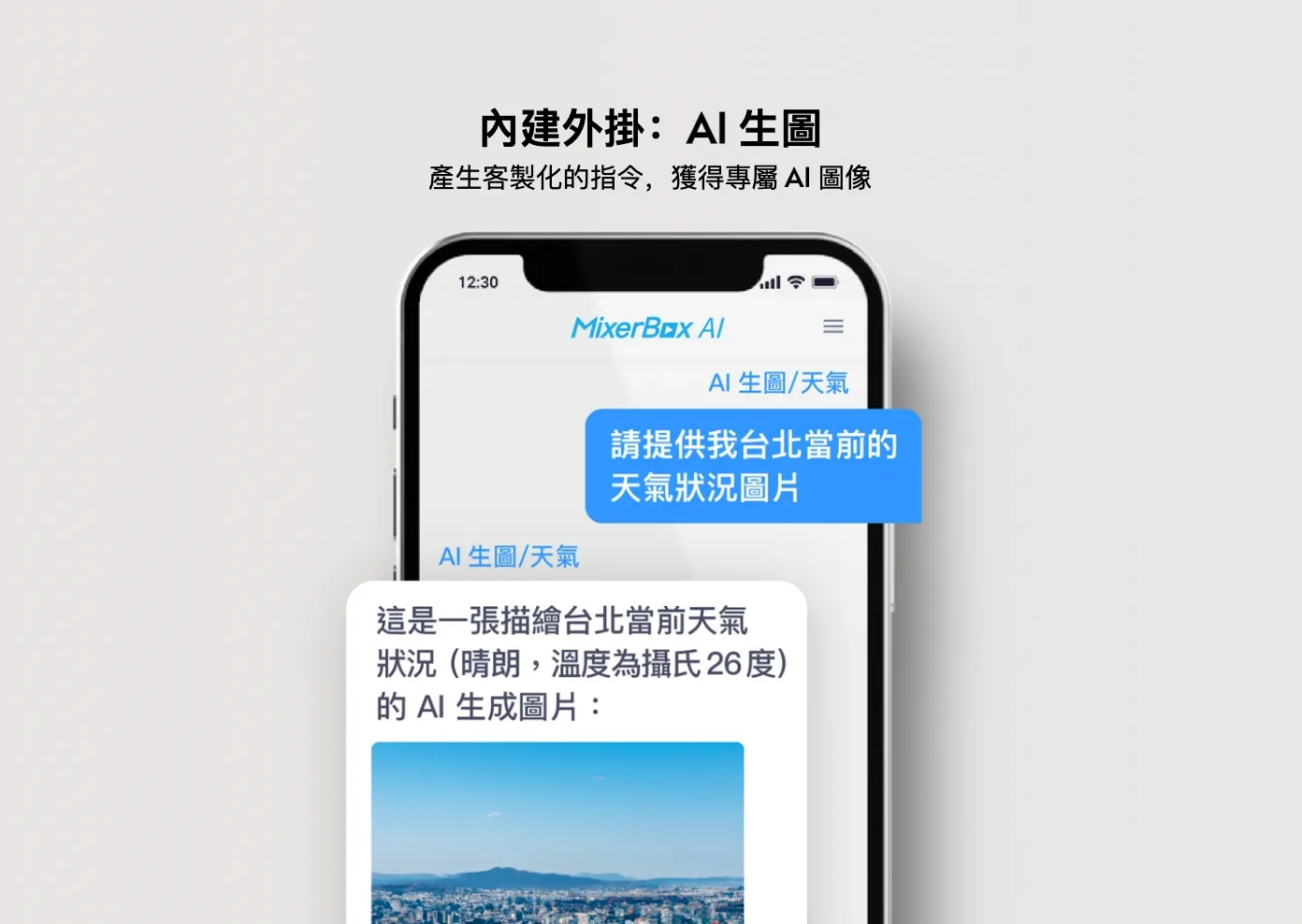
🎨 AI Image Generation
Turns your text descriptions straight into AI images. If you’re new to writing AI prompts, the “AI Image Generation” plugin can also polish your prompt and generate prompts designed specifically for mainstream AI image platforms, making it easier to get the image you have in mind.
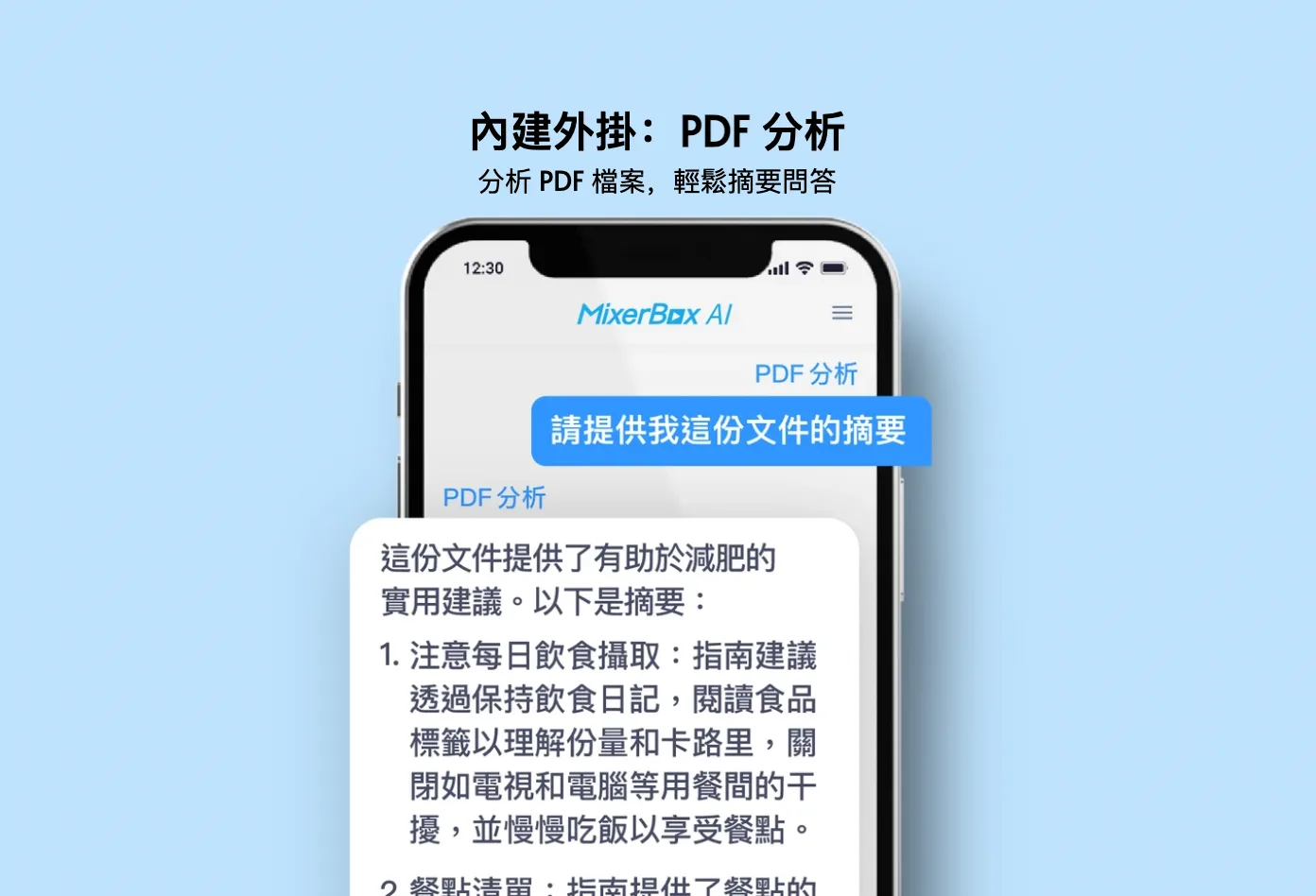
📝 PDF Analysis
Lets you upload PDF files and instantly generate a summary of the document, or search within it to pinpoint relevant information and get answers. It can find what you need in a PDF hundreds of pages long in a second.
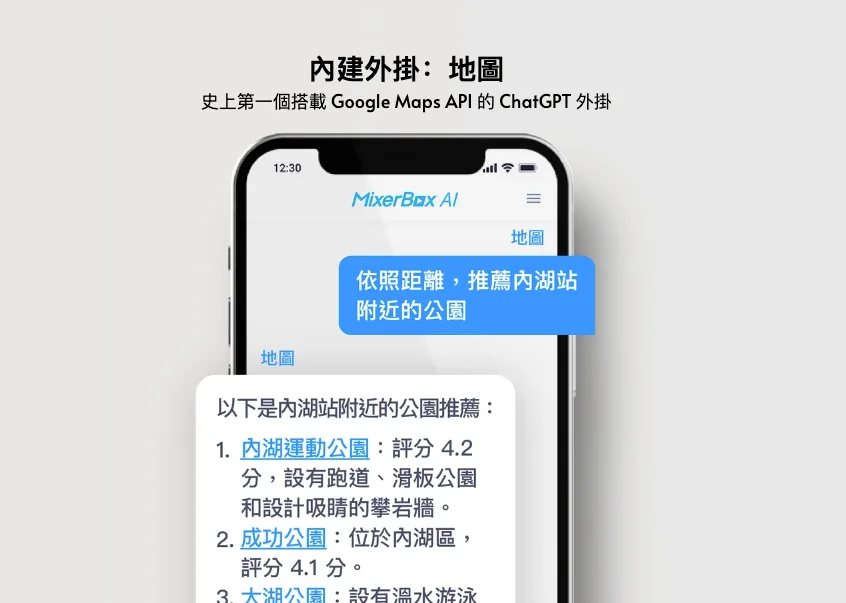
🚗 Maps
MixerBox ChatMap is the first plugin designed for real-world map information and the world’s first AI map chatbot, bringing you an innovative, AI-era way to use maps. ChatMap can quickly read and summarize Google Maps information based on your instructions. Compared with traditional map apps, ChatMap is more intuitive: you simply “chat” with the map in everyday language to get the information you need.
Build Your Own Custom Chatbot in MixerBox AI
Starting today, MixerBox AI also offers custom AI chatbots! No coding required: just tell MixerBox AI what you need in everyday language, and it will create a chatbot just for you. Do the meeting notes, client requests or homework reports you have to sort through every day keep eating up too much of your time? Don’t want to pay someone to help? Try MixerBox AI’s custom AI chatbots and let them automate your work, following your instructions to the letter!
Since the “Custom AI” (CustomAI) feature went live for testing, data shows that about 10% of daily active users now use custom AI chatbots. Emotional-companion and everyday-information AIs are the most popular types.
Custom AI is a platform that lets users design and build AI solutions for their own specific needs. With MixerBox CustomAI, anyone can quickly design, build and deploy a general-purpose large language model (LLM) as their own custom AI model, simply by typing in plain language, dragging and dropping files, and clicking.
The MixerBox AI platform already offers plenty of custom chatbots, shared publicly by MixerBox or by users, that you can start using right away:
📌 Handy tools: Mom’s Recipe Expert, Meeting Summary Assistant, English SEO Expert, AI Travel Helper
😜 Fun chats: AI MBTI Master, Dating Coach, Virtual Sweetheart, The Campus Sweetheart from the Student Council
Custom AI chatbots are a brand-new concept. If you’re not sure where to start, follow these suggested steps:
1. Tap “Create Custom AI”
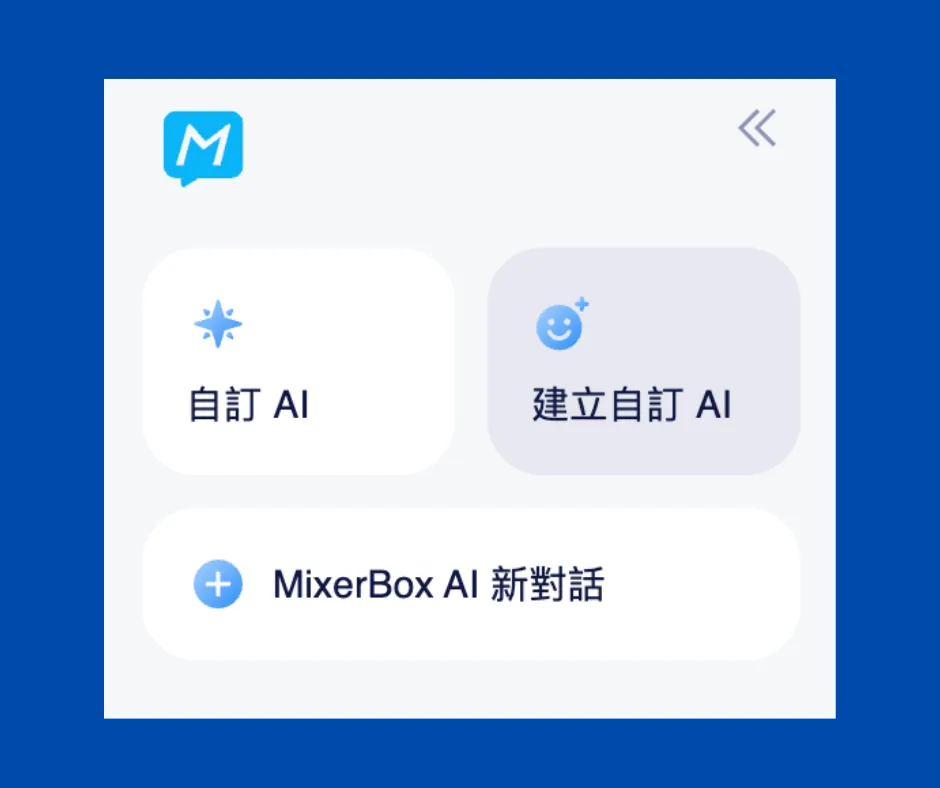
2. Enter a name for your custom chatbot in the “Name” field, and the AI will automatically generate its “Description” and “Instructions” (prompt). You can also edit them to better suit your needs.
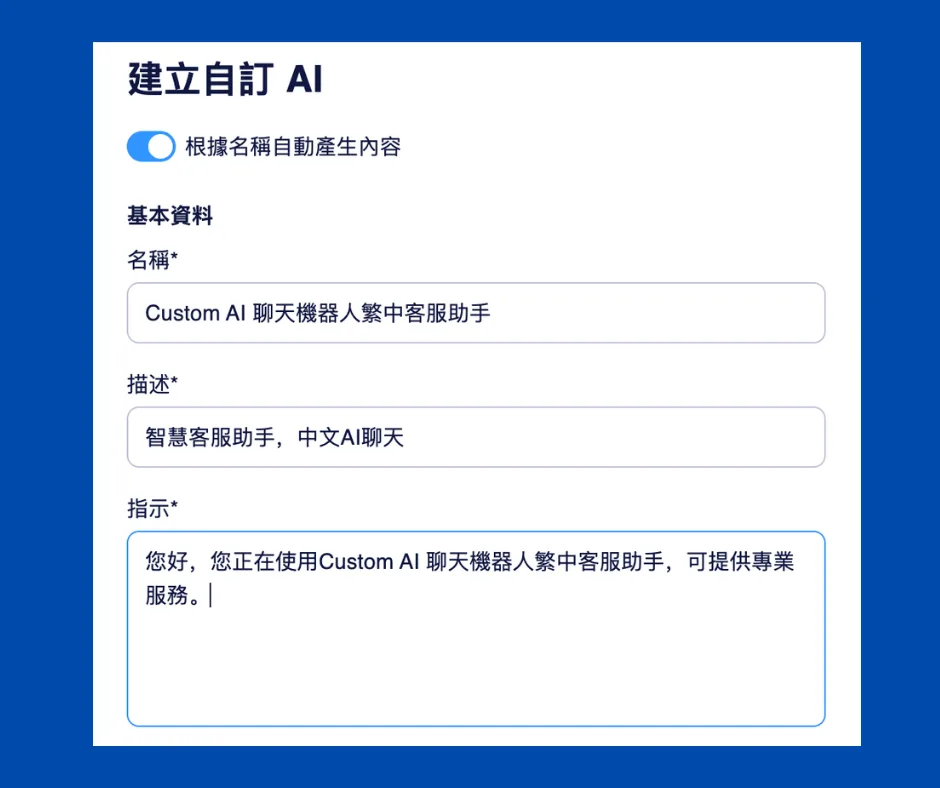
3. You can also enter the URLs of any data sources you need under “Knowledge Base Sources,” or leave this field blank if you don’t need it. (Tip: If your data source doesn’t have a website, upload the document to the cloud and set its permissions to public, and MixerBox AI will be able to read it.)
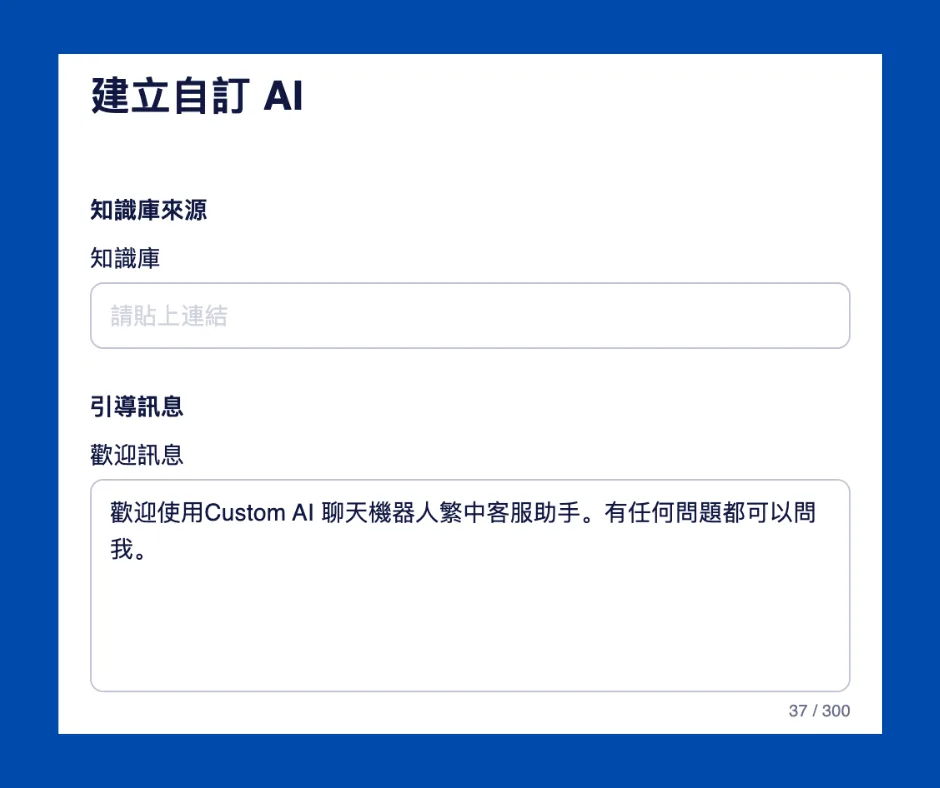
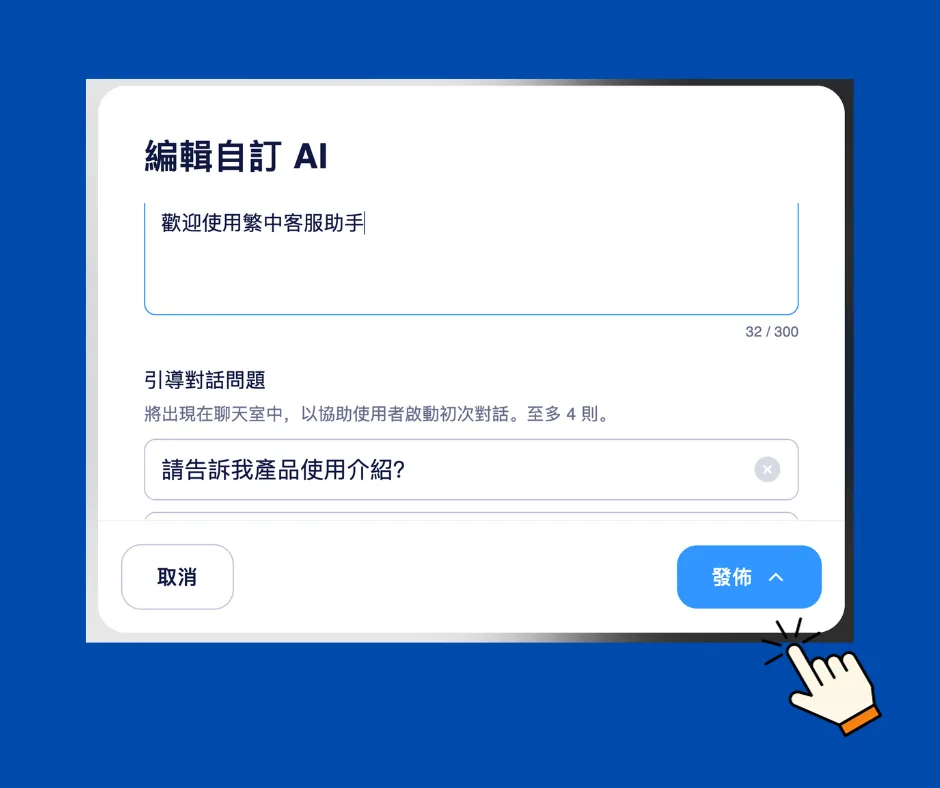
4. You can also adjust other settings such as “Image URL,” “Custom AI Link” and “Conversation Starters,” then tap “Publish” and you’re done!
Conclusion: One Free AI Tool That Does It All
If you love AI but don’t want to juggle countless apps, MixerBox AI is absolutely worth a try. It will give you a more convenient, seamless AI experience and make your life easier!
MixerBox is dedicated to building an AI Super-Apps mobile platform that makes people’s lives more convenient, with more than 300 million downloads worldwide to date. MixerBox believes AI is entering an era of explosive growth in applications, and it will keep investing in developing more AI apps as it explores the next generation of AI Super-Apps.
**
👉👉 Download MixerBox AI: mbapp.io/MixerBoxAI**
👉👉 Want the latest MixerBox AI news? Follow the MixerBox AI Facebook page!
👉👉 More popular articles:
4 Super-Useful AI Plugins That Dramatically Speed Up Your Workflow