
A Lifesaver for Long Distance: MixerBox BFF Helps You Look Out for the People You Love
November 20, 2023
Do people drift apart the farther apart they are?
Life is a journey. Graduating, moving, changing jobs, changing phone numbers, even moving abroad: none of it is unusual anymore.
But everyone has a few special people in their life: family, close friends or a partner they never want to drift away from, no matter how far apart they are. For the people you care about, you probably want to overcome the limits of geography, stay in touch as much as you can, and make sure you’re both safe. Want your relationships to go the distance? Then be sure to download MixerBox BFF!
Tip 1 for Your Special Someone: Home Screen Widgets
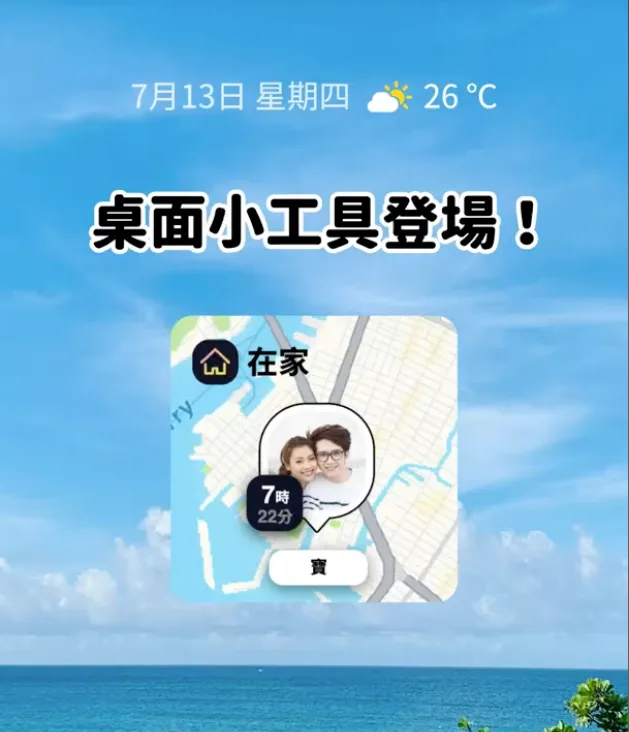
Want to keep your special someone on your phone so you see them every time you unlock it?
Just add a widget to your home screen and you can see their real-time location, last update time, how long they’ve been there, battery level and status at any time.
This feature is free for both iOS and Android users, and setting it up is super easy!
iOS users can follow these steps:
 After updating, open the BFF app first
 Go back to your home screen and long-press, tap the “+” in the top-left corner, then scroll down to find “MixerBox BFF”
 Choose the widget size you like, tap “Add Widget,” then tap “Done” in the top-right corner
 Long-press the widget and tap “Edit Widget,” then tap a friend’s name to choose a different friend!
Android users can follow these steps:
After updating, long-press your home screen and the “Widgets” option will appear
Scroll down to find “MixerBox BFF”
Long-press the BFF widget and drag it to where you want it
Choose the friend you want to show on your home screen, and you’re done!
Tip 2 for Your Special Someone: Custom Personal Places
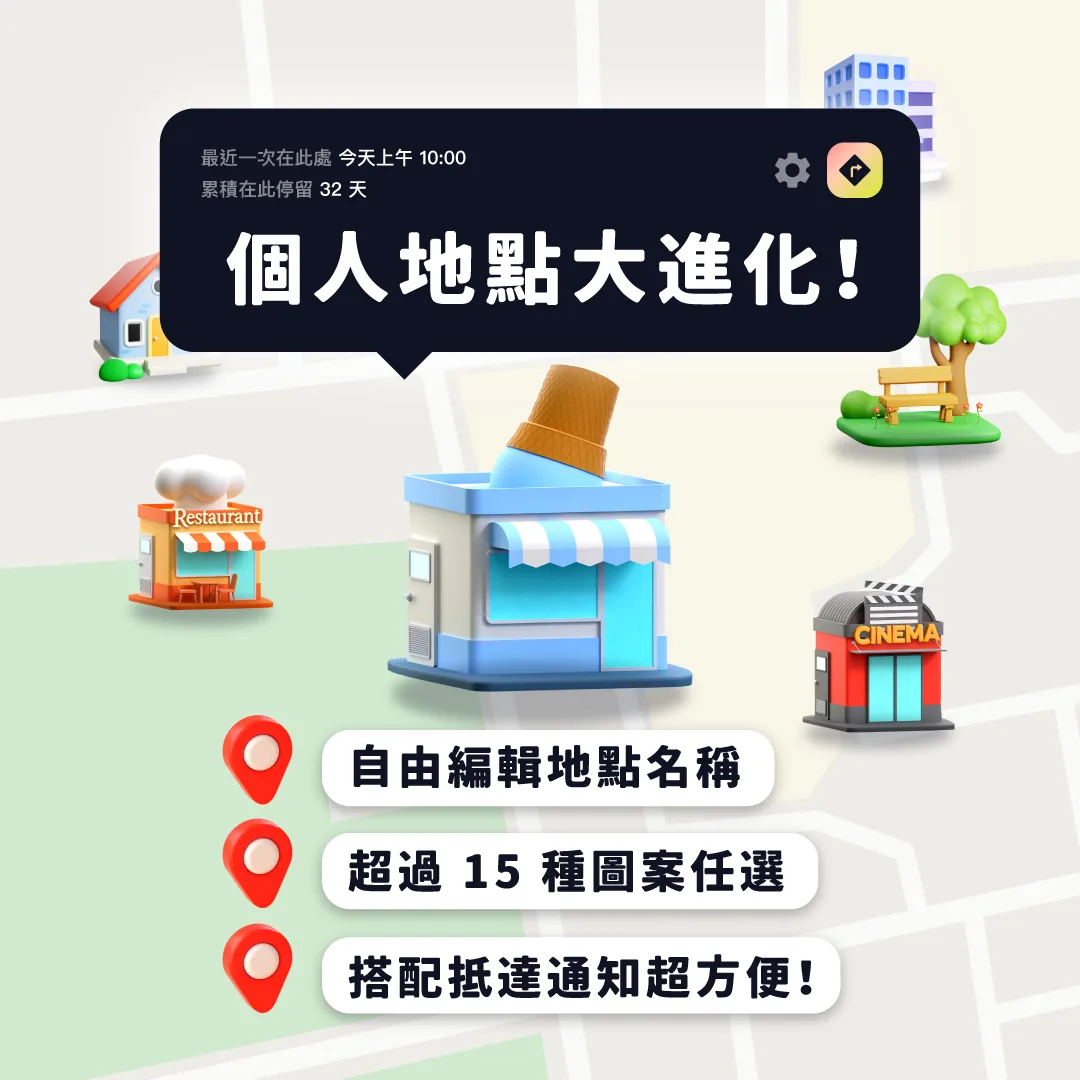
On MixerBox BFF, you and the family and friends you care about can set the places you visit often as personal places, such as home, school, work, the gym and other everyday landmarks.
Here’s how to set them up:
 Update to the latest version in the app store: https://mbapp.io/bff
 Open BFF and tap “Settings” in the top-right corner → “Set Personal Places”
 Choose a place category and tap “+ Add” → then you can “Edit Place Name” however you like
 Move the building icon to the location and tap “
 ”, and you’re all set!
MixerBox BFF offers 17 place icons to choose from, and you can name each place however you like!
With these steps, you can set up “Home” plus 3 other personal places for free, and turn on arrival/departure notifications for 1 friend at each place.
Want to set up more personal places? Become a subscriber to get a total of 10 personal places and unlimited arrival/departure notifications!
Wondering what arrival/departure notifications are? Let’s move on to Tip 3!
Tip 3 for Your Special Someone: Arrival / Departure Notifications
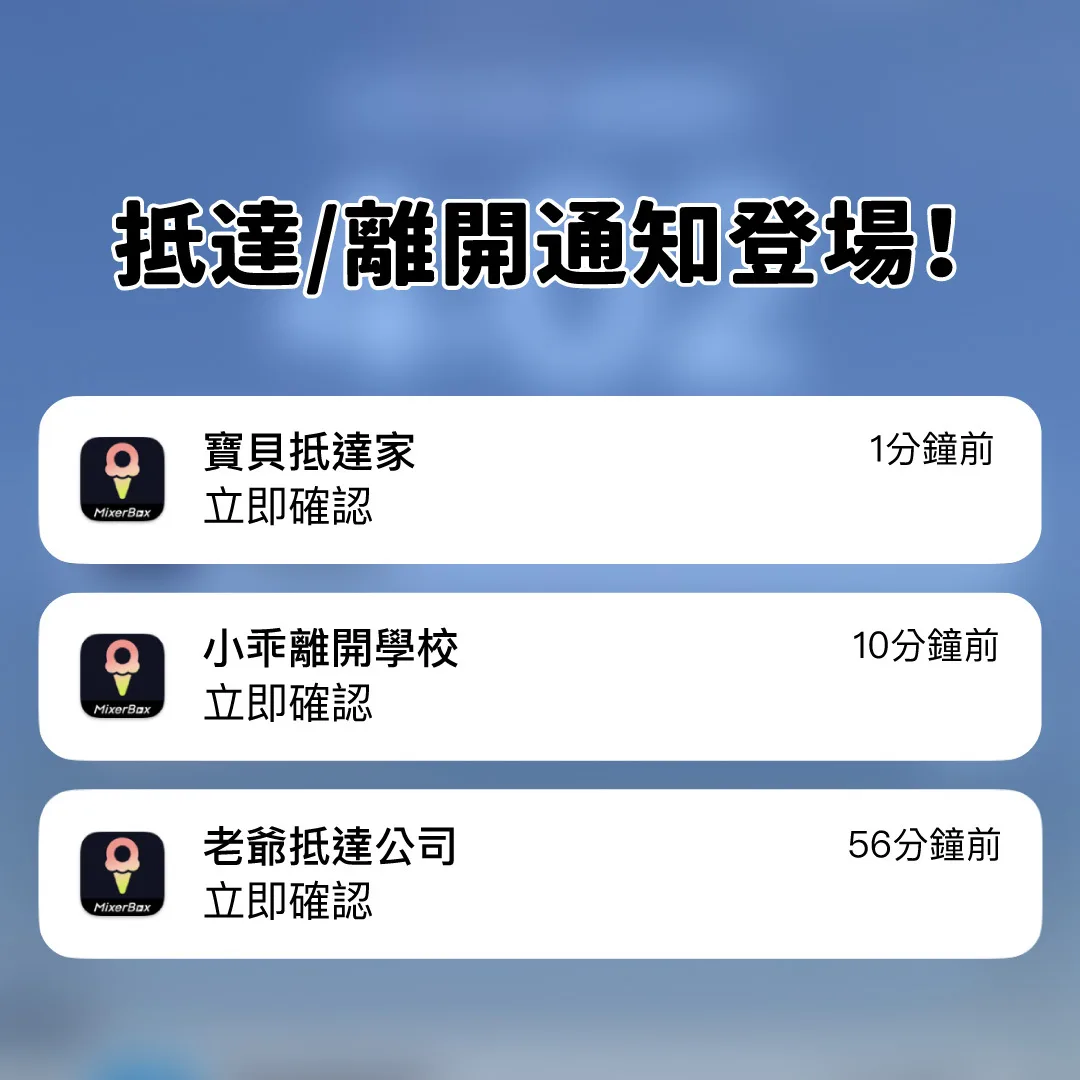
Tip 2 plus Tip 3 is the perfect combo. Once you’ve set up personal places, you can turn on arrival or departure notifications for your family and friends at each place. For example, after setting up “Boyfriend’s Place,” turn on notifications for when your boyfriend arrives at or leaves “Boyfriend’s Place,” and you’ll get an automatic push notification when he’s on the move, even if you don’t have the app open!
With this combo, whether you want to know when Dad leaves work so you can time dinner, or whether your girlfriend who rents on her own in Taipei got home safely, you’ll worry less about the people you love just because they’re far away.
After reading these 3 tips, aren’t you itching to try them?
Why not download MixerBox BFF with your special someone right now, and stay close at heart no matter the distance?
More posts:
How to Use a Family Location Sharing App to Keep Your Kids Safe: 6 Practical Tips!
Product info:
MixerBox BFF is free to download on the App Store and Google Play: https://mbapp.io/bff
MixerBox BFF Facebook page: https://www.facebook.com/MixerBoxBFF
MixerBox BFF Instagram: https://www.instagram.com/mixerboxbff_tw/