Learn to Use MixerBox Player's Various Features
MixerBox player provides various features to help Podcasters grow their audience. The following examples will allow you to better understand how each feature works and how you can use it to your advantage.
▮ Podcast Show Feed
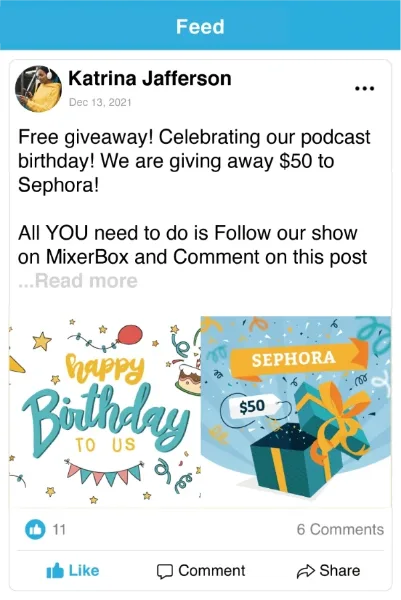
Organize a free giveaway
Organize a giveaway by creating a post on your feed to gain attention and grow your audience.
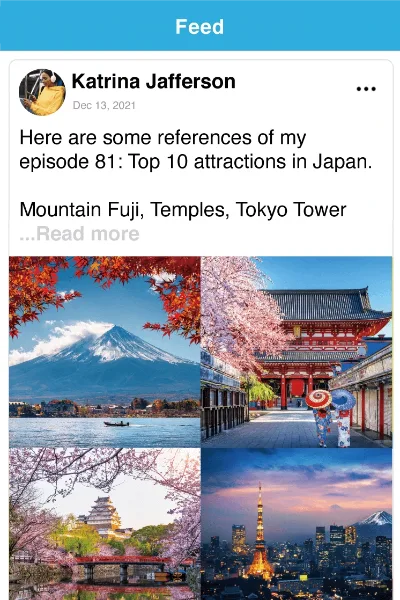
Share additional show content & post photos from your daily life
Use the feed post feature to supplement the content that could not be presented in a single episode. To seem more friendly and relatable, you can also post photos from your everyday life.
▮ Episode Comment Section
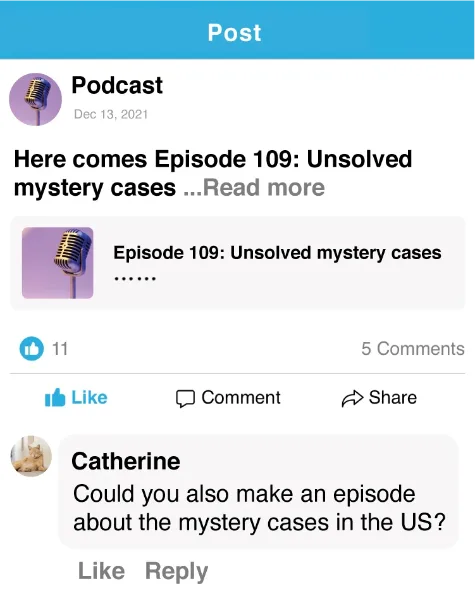
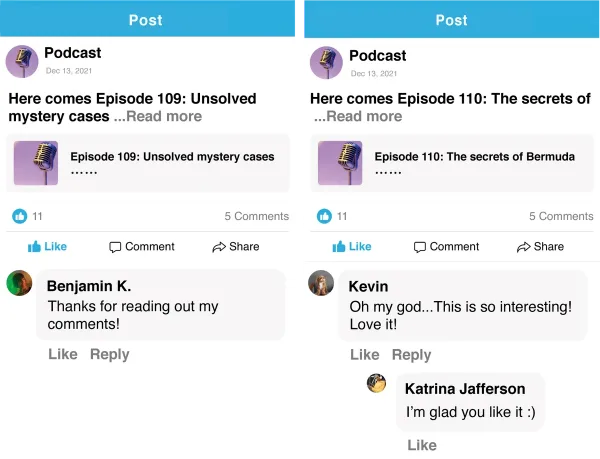
Reply to listener comments and establish a closer relationship with fans
Take advantage of the episode comment section to reply to listener comments. You can also read and respond to the comments in your next episode. Oftentimes, fans will respond in the comment section after having their comment read aloud
For future reference, collect listener feedback and requests
After listening to an episode, listeners may leave suggestions or topic requests in the comment section. Podcasters can check the comments regularly to gain ideas for future episodes.
▮ Podcast Show Rating/ Reviews
Through ratings and reviews, Podcasters can better understand the audience’s overall impression of the show. Users who are not familiar will also refer to ratings and reviews when considering whether or not to listen to the Podcast.
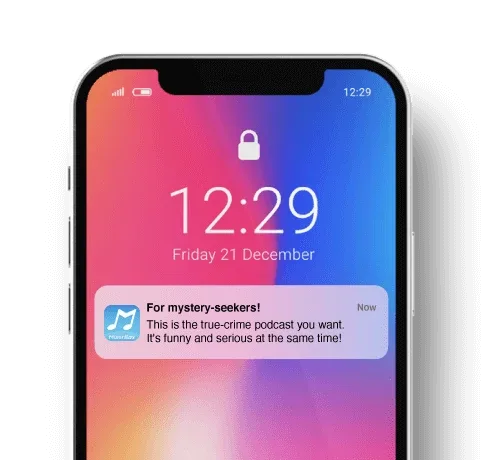
▮ Push Notifications
Push notifications on mobile devices are one of the best ways to promote and gain listeners. MixerBox Player exceeds 200 million downloads worldwide. With a huge userbase, every push notification effectively improves visibility of the Podcast. If you want to apply, please read Having trouble growing your Podcast? Let MixerBox assist you!