
5 Traits of Successful AI Productivity Software: Top Silicon Valley VC a16z on What Truly AI-Native Workflows Look Like
May 9, 2024
You’ve surely seen headlines saying AI will dramatically boost productivity, but how exactly? Lots of founders are building AI productivity tools, but what should a great piece of AI productivity software look like? According to top Silicon Valley VC firm a16z, successful AI productivity software actually shares 5 key traits!
[Tech Insights]
Plenty of people go their whole lives without ever really figuring out the office software they use every day. That’s no surprise. Whether you’re making slides, editing video or retouching photos, today’s common tools are often products that have been around for decades, which means their design concepts are decades old, too. This software often feels too rigid to do truly valuable work.
Top Silicon Valley VC firm a16z recently published an article arguing that generative AI gives founders a chance to completely reinvent workflows, and to create a new breed of companies that aren’t just AI-assisted but truly AI-native. These companies will use AI to build brand-new products from the ground up, solving the long-standing pain of office software that’s both expensive and hard to use!
For example, Midjourney and ChatGPT are already great early examples of AI productivity tools. Now anyone can become a programmer, producer, designer or musician, actually putting AI to work and narrowing the gap between creativity and technical skill. a16z believes this will usher in a whole new generation of “prosumers.”
a16z doesn’t just say workflows will be “reinvented”; the article also says being “remixable” is key for future AI tools. That’s exactly MixerBox’s mission: “Remix Possibilities, making technology easy for everyone to enjoy.”
We took a deep dive into the article and translated its highlights to share with you. Below are the article’s [Key Takeaways] and [Highlights]:
[ Key Takeaways ]
In the article, a16z defines and explains 5 key traits of products with generative AI-native workflows (Gen AI-native workflows):
1️⃣ Generation tools that eliminate the “blank page”
2️⃣ Multi-model (and multi-media!) composition
3️⃣ Smart editors that allow more iteration
4️⃣ In-platform refinement
5️⃣ Every output is remixable and transposable
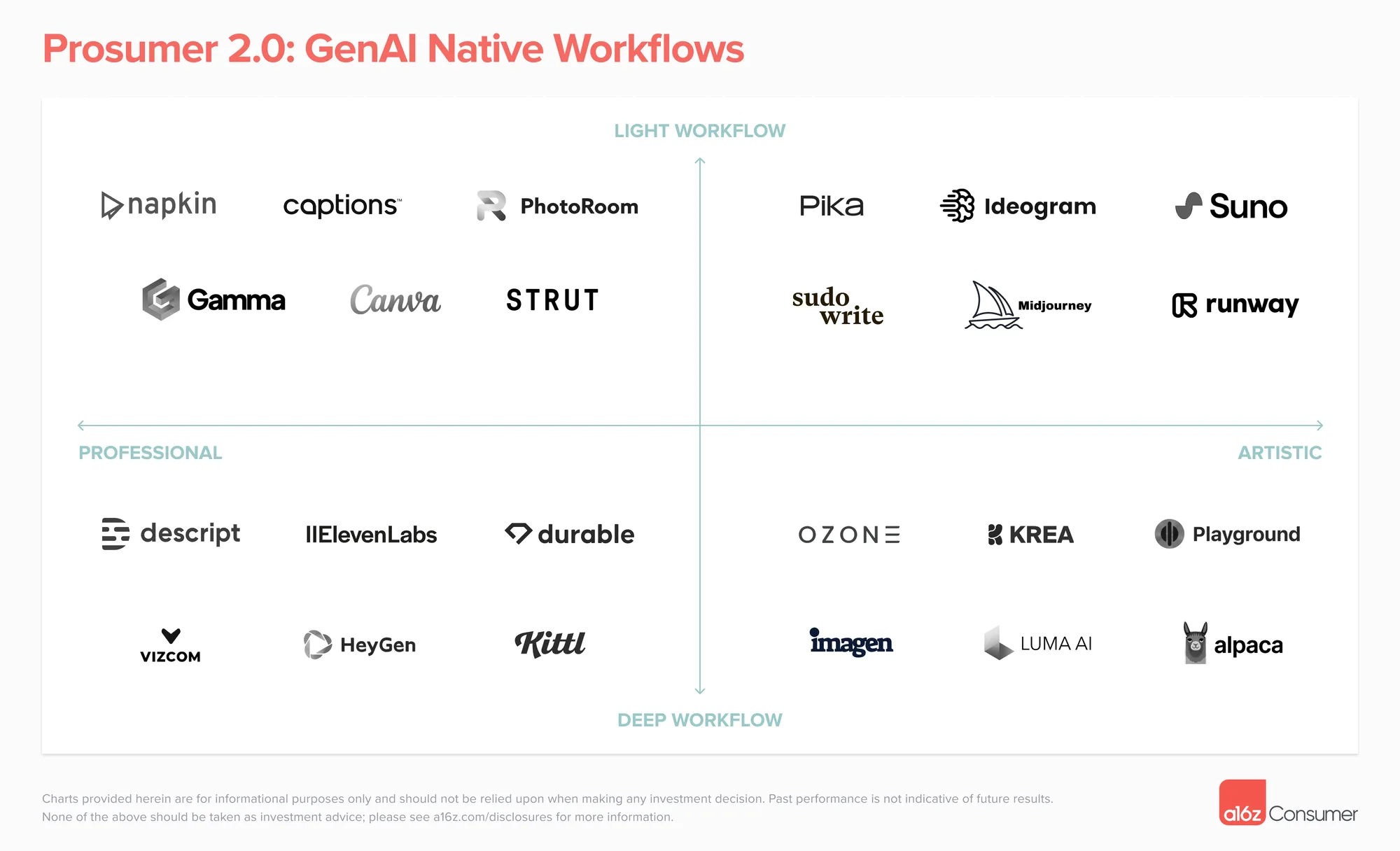
[ Highlights ]
What Are Products with AI-Native Workflows?
All products with AI-native workflows will share one key quality: they turn cutting-edge models into easy-to-use, high-performance user interfaces.
Users of workflow tools usually don’t care what infrastructure sits behind a product; they only care how it helps them! While generative AI is enabling stunning technological leaps, successful products will still be rooted in a deep understanding of users and their pain points.
Which processes can AI automate? If approval is needed, where are the key “decision points”? And where is the greatest leverage?
Products like these will have the following key features:
Key Features of AI-Native Workflow Products
1️⃣ Generation tools that eliminate the “blank page”
The first consumer AI success stories were tools that turned spoken or written instructions into media output, such as images, video and text.
The same will be true for prosumers. These tools may transform a truly “blank page” (for example, turning a text prompt into a slide deck), or take a small amount of material, such as a sketch or outline, and build a more complete product.
Some companies will generate content with proprietary models, while others may mix or stitch together multiple models behind the scenes (open-source, proprietary or via APIs). One example is Vizcom’s rendering tool. Users can enter a text prompt, a sketch or a 3D model and instantly get a realistic rendering, which they can then refine further.
2️⃣ Multi-model (and multi-media!) composition
Many creative projects call for multiple types of content. For example, you might need to combine images with text, music with video, or animation with voiceover. No single model can yet generate all of these asset types. That creates an opportunity for workflow products that let users generate, polish and combine different content types in one place.
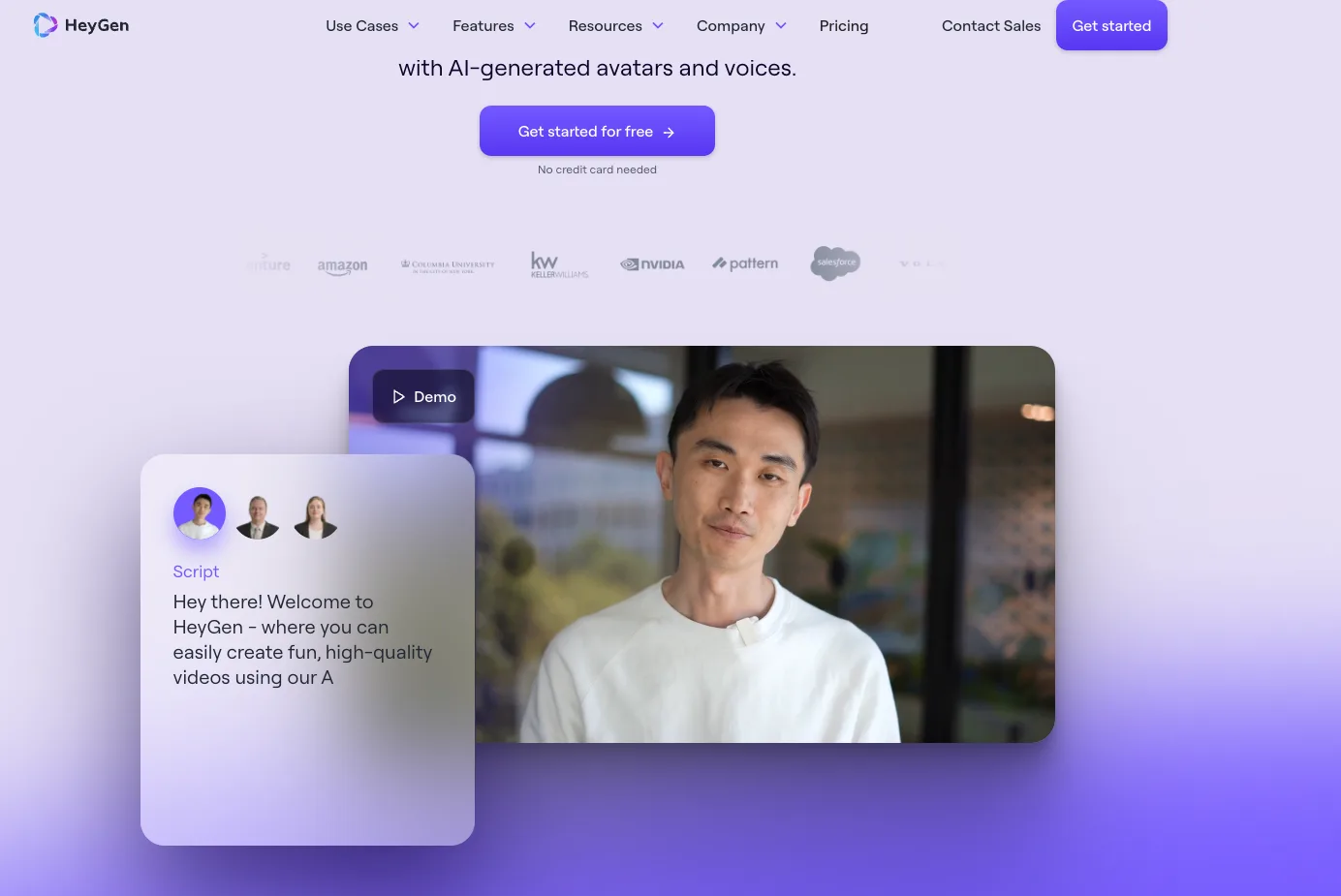
HeyGen’s avatar product is an example of this kind of tool. The company combines its own avatar and lip-sync models with ElevenLabs’ text-to-speech API to create realistic talking video avatars. HeyGen’s product also offers templates and a Canva-like editor, so users can place avatars in presentations or videos, build slides, or add text and other assets, without having to bring the avatar into PowerPoint or Google Slides.
3️⃣ Smart editors that allow more iteration
Almost no piece of work comes out perfect on the first try, especially with AI generation, which has built-in randomness, making it hard to get a fully satisfying result the first time. Regenerating or tweaking prompts is a key part of the process, but it’s time-consuming and frustrating.
The first wave of AI generation products didn’t allow any iteration: once you made an image (or a video, or a song), that was it. If you regenerated with the same prompt, you’d get a completely different result. Now we’re starting to see new features that let users modify existing outputs without starting from scratch. Midjourney’s variation and zoom tools are great examples.
4️⃣ In-platform refinement
Another key (and related) element of smart editing is refinement. That final 10% of polish is often what separates good work from great work. But it’s genuinely challenging to (1) figure out what needs refining and (2) do the refining without switching to another product.
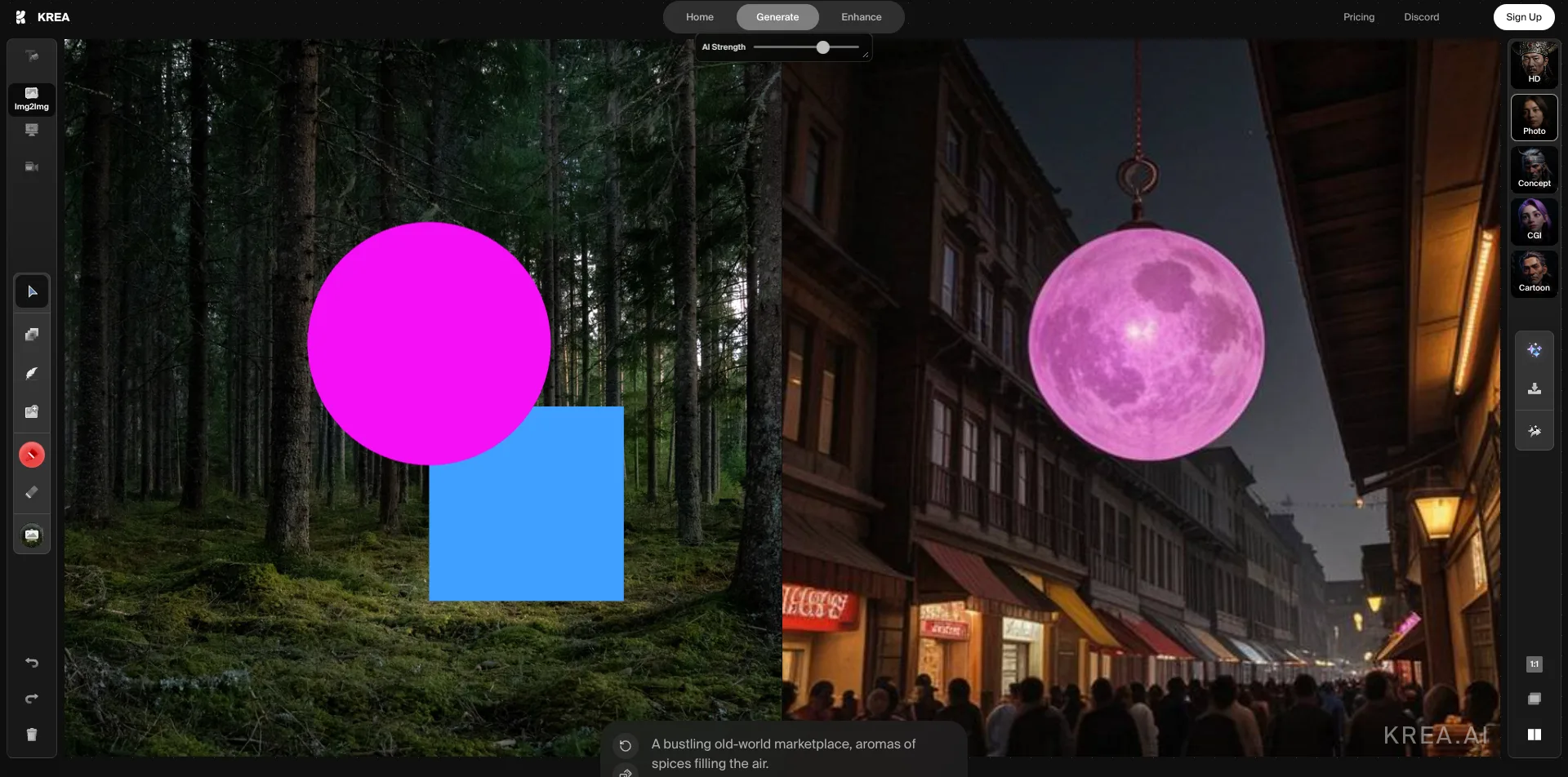
AI workflow products can help users spot what could be improved and make those improvements automatically. Think of the “auto-enhance” feature in Apple Photos, but for anything! The most direct application is the super-resolution feature offered by platforms like Krea. In a single interface, users can generate an image or design and then enhance it to make the final result even better.
ElevenLabs’ audiobook workflow is another good example. You can use the tool to generate voices for specific characters to read certain chapters of a book, then fine-tune the output by adjusting the pauses, stability or clarity of sentences or phrases.
5️⃣ Every output is remixable and transposable
AI gives content a unique flexibility: every piece of content can become the “starting point” for the next round of changes. If you’ve ever copied and tweaked someone else’s prompt in Midjourney or ChatGPT, you’ve taken part in this practice.
Platforms that focus on this flexibility may be able to build more robust, stickier products. For original creators, being able to transform work across media formats is extremely valuable, such as turning a video into a blog post or a written explanation into an animated demo video. That’s the core feature of the Gamma publishing platform. Users can generate presentations, documents or web pages from a prompt or an uploaded file and switch formats as needed.
These products let users publish their workflows for others to remix. That might be a series of prompts or a combination of models, or, for less technical users, simply a “copy” button that lets them recreate a specific output or style.

Source: https://a16z.com/the-future-of-prosumer-the-rise-of-ai-native-workflows/
Try MixerBox AI: mixerbox.ai
Want the latest MixerBox AI news? Follow the MixerBox Facebook page!
👉👉 More from the [Tech Insights] series:
The Big AI Development Focus for 2024: Is a Wave of AI Agents on the Way?
YC Founder Paul Graham: The Keys to Winning Come from Your Users